

Common Scams
Scammers are constantly finding new ways to steal personal and financial information. Learn the warning signs and simple steps you can take to stay safe online.
Swipe or use the arrows to see more

AI Voice & Video Scams
Don’t trust a familiar voice alone.
Scammers may use AI to imitate the voice or appearance of a friend or family member and claim there’s an emergency.
- Call the person using a trusted number.
- Verify the request before sending money.
- Be cautious of urgent requests.
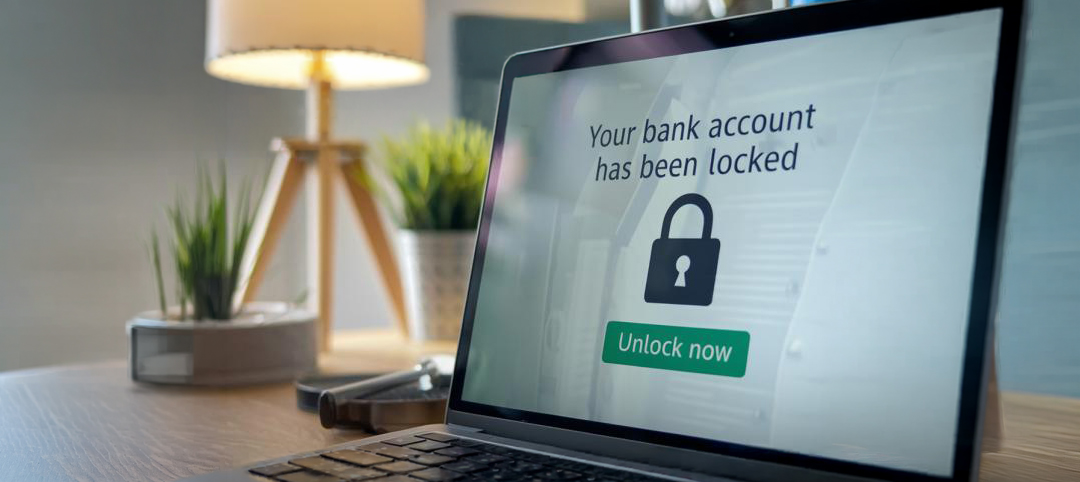
Email & Phishing Scams
Think before you click.
Scammers use fake emails, text messages, or websites that appear legitimate to steal personal or financial information.
- Don’t click suspicious links or attachments.
- Verify requests directly.
- Report scams to the FTC.
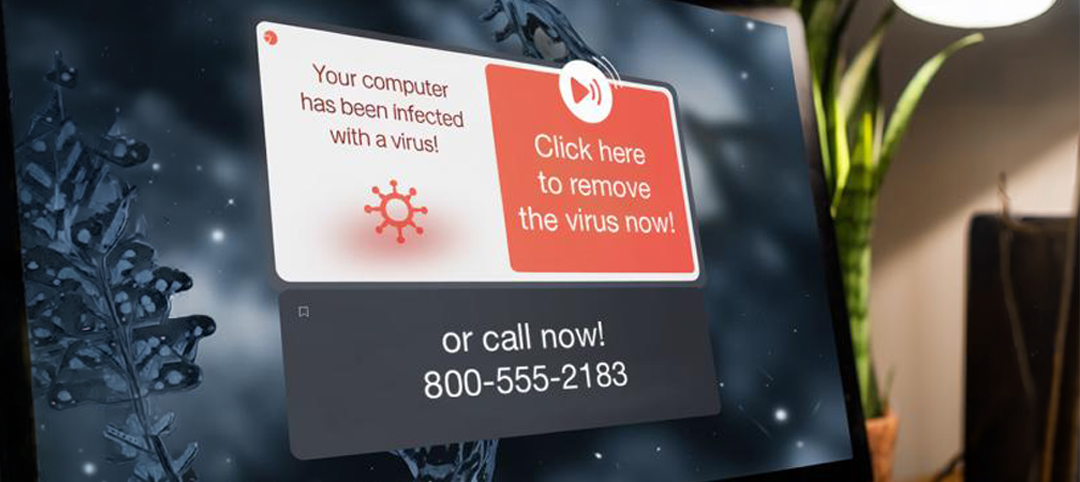
Computer Tech Support & Subscription Scams
Don’t let strangers take control of your computer.
Fake virus warnings, pop-ups, emails, or renewal notices are designed to trick you into paying for fake services or allowing remote access.
- Never allow remote access.
- Ignore urgent pop-ups.
- Contact the company directly.

Government Impersonation Scams
Government agencies won’t demand immediate payment.
Scammers may pretend to represent a government agency to pressure you into paying or sharing personal information.
- Never pay with gift cards or cryptocurrency.
- Verify requests independently.
- Contact the agency directly.

Banking & Gift Card Scams
Gift cards are a red flag.
Scammers may claim your account is at risk and tell you to move money or buy gift cards.
- Contact your bank directly.
- Never stay on the phone while making payments.
- Be cautious of urgent requests.
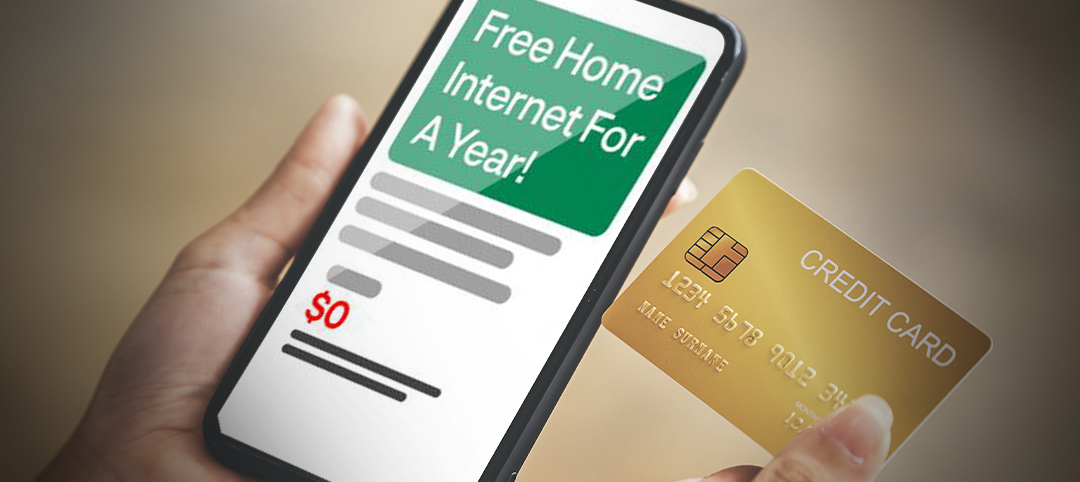
Internet & Utility Scams
If it sounds too good to be true, it probably is.
Scammers may advertise fake internet offers or claim they can lower your internet or utility bill.
- Compare offers through RivcoConnect.
- Never share account information.
- Contact your provider before making changes.
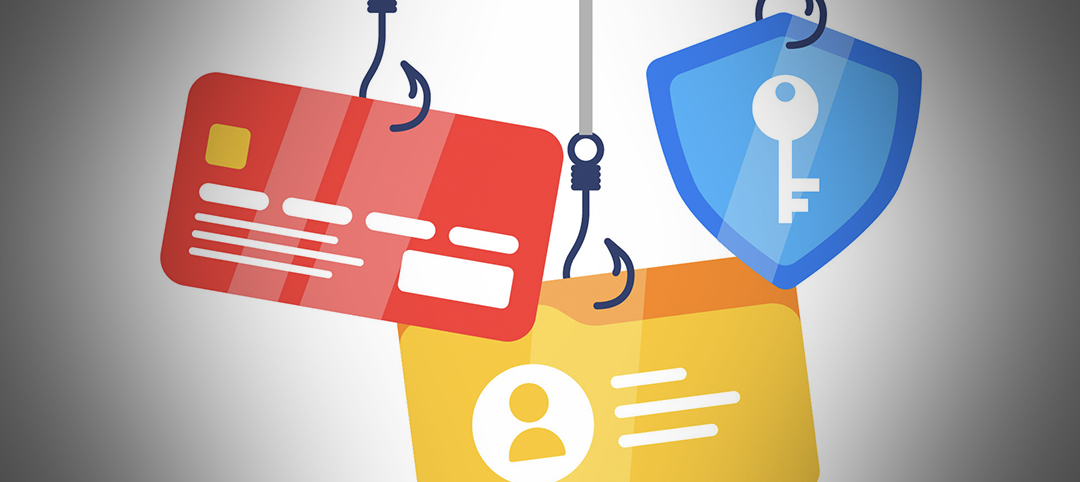
Online Marketplace Scams
Meet safely. Pay securely.
Scammers use fake listings and fraudulent payments to target buyers and sellers.
- Meet in public places.
- Verify payment before shipping.
- Be cautious of unrealistic deals.

Job Scams
Real jobs don’t ask you to pay.
Fake employers may offer high-paying jobs to collect personal information or upfront fees.
- Research the company.
- Never pay for training.
- Question offers that seem too good to be true.
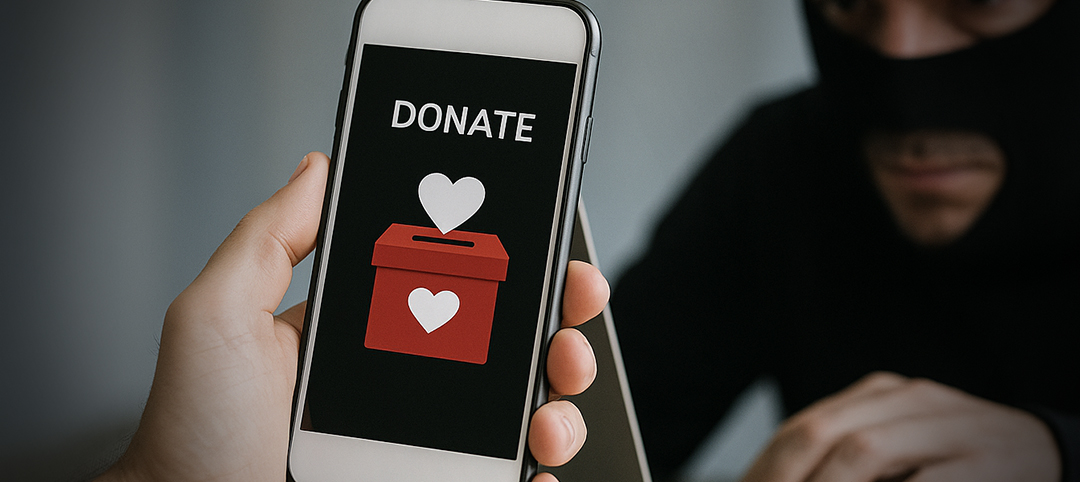
Charity Donation Scams
Give wisely. Verify first.
Scammers create fake charities to collect donations after disasters or during the holidays.
- Donate through trusted organizations.
- Verify before giving.
- Avoid gift card requests.

Romance Scams
Trust takes time.
Scammers build online relationships before asking for money or personal information.
- Never send money.
- Protect your personal information.
- Be cautious of emergency requests.

Political Donation Scams
Donate only through official websites.
Scammers impersonate campaigns or causes to collect fraudulent donations.
- Use official campaign websites.
- Verify before donating.
- Avoid gift card or wire transfer requests.
Think You’ve Been Scammed?
- Stop communicating with the scammer.
- Change your passwords.
- Contact your bank if financial information was shared.
- Report the scam to the FTC.
Online Safety Tips
Simple habits can help protect your accounts, devices, and personal information. Tap any topic to expand it.
Protect Your Accounts
+ 1. Use Strong Passwords
Use a unique password for every account and enable multi-factor authentication.
- Use 12+ characters.
- Consider a password manager.
- Never share verification codes.
+ 2. Sign In Safely
Protect your accounts on shared devices.
- Sign out when using a public or shared device.
- Do not save passwords on public computers.
- Use multi-factor authentication when available.
Browse and Communicate Safely
+ 3. Think Before You Click
Be cautious of unexpected emails, texts, QR codes, and links.
- Do not click links from unknown senders.
- Check the sender’s email address carefully.
- Go directly to the official website when possible.
+ 4. Protect Personal Information
Share only what’s necessary.
- Review privacy settings.
- Limit app permissions.
- Avoid oversharing online.
Stay Safe on Networks and Devices
+ 5. Use Public Wi-Fi Carefully
Public Wi-Fi isn’t always secure.
- Avoid entering sensitive information on public Wi-Fi.
- Use trusted networks when possible.
- Turn off auto-connect for public networks.
+ 6. Keep Devices Updated
Updates help protect your devices.
- Install system updates when available.
- Keep apps and browsers updated.
- Restart your device after major updates.
Helpful Security Tips
Navigating the digital world isn’t always easy. These tools, including free options — can help keep your information secure.
Password Managers
Store and generate strong passwords, and auto-fill them when needed.